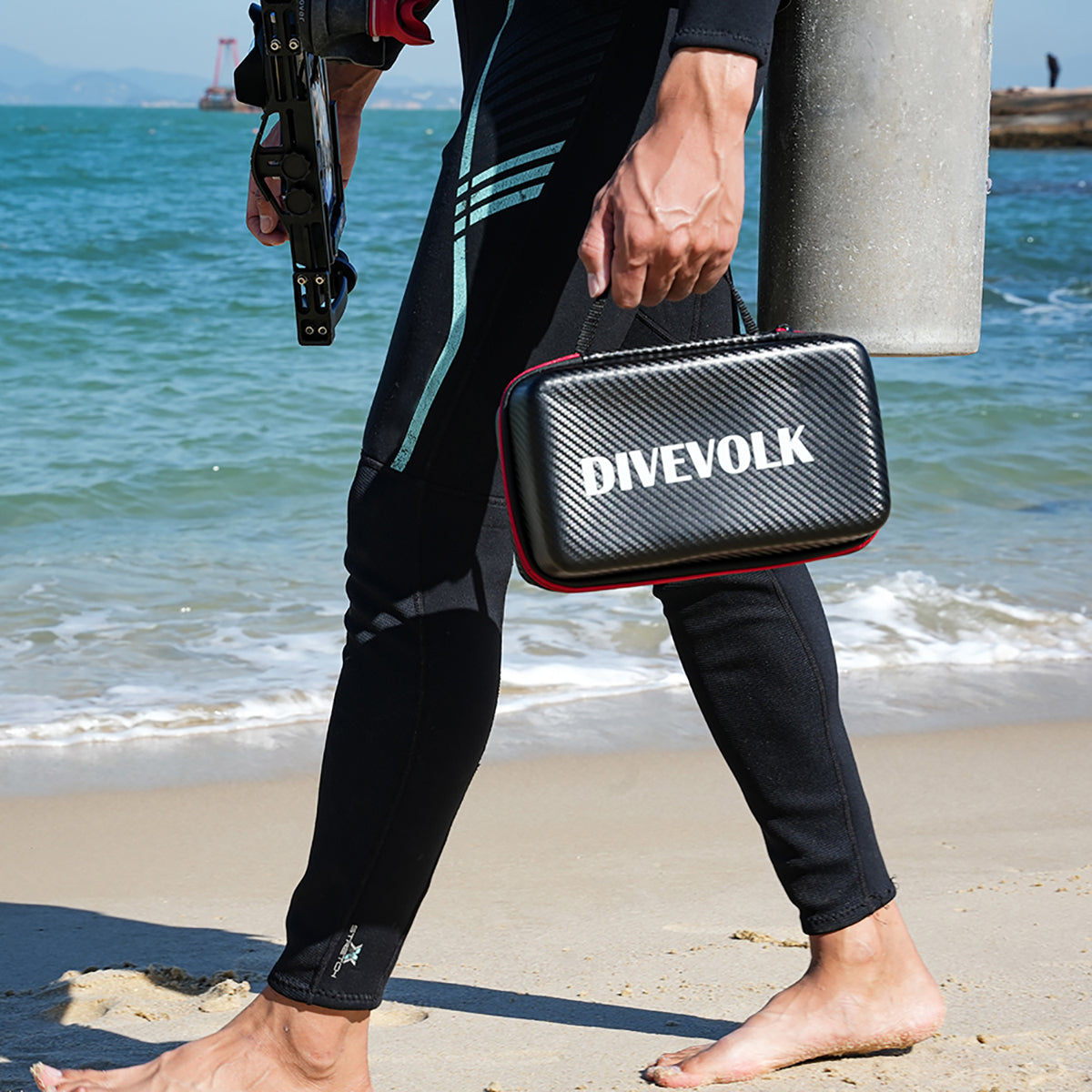

The iPhone 18 Pro went on sale in September, the same month DIVEVOLK launched the SeaTouch 6 Pro, and many divers are buying the two together. The short answer: it is a strong pairing. The phone fits with room to spare, every camera setting, including the new variable aperture, is reachable through the touchscreen at depth, and the 6 Pro's dome and in-box red filter suit the cameras you will use most.

The fit itself is settled. DIVEVOLK has checked production iPhone 18 Pro and Pro Max units in the SeaTouch 6 Pro cavity, and our iPhone 18 Pro compatibility article has the measurements and adapter details. What DIVEVOLK has not published yet is underwater footage from this exact pair, so image quality and heat are marked as open below, and this review sticks to what the hardware and the published specs can tell you.
The Verdict So Far
| Question | Status | Basis |
|---|---|---|
| Does the iPhone 18 Pro or Pro Max fit? | Confirmed | Production units checked in the 6 Pro cavity; both listed on DIVEVOLK's compatibility sheet |
| Can every camera setting be reached underwater? | Confirmed | All iPhone camera settings are on screen; the 6 Pro membrane passes touch to the whole display |
| Can you use Camera Control or the volume keys? | No | The housing is button-free; the phone's physical controls cannot be pressed once sealed |
| Depth rating of the system | 60 m | The housing's IPX8 rating; the phone's own IP68 adds nothing |
| Image quality underwater | Not yet shown | No published underwater footage from this pairing |
| Heat and battery over a long video dive | Not yet shown | No published runtime or thermal log for this pairing |
Handling: Lighter in the Water Than You Expect
DIVEVOLK lists the SeaTouch 6 Pro at 485 g on land and about 150 g in the water, measured with an iPhone 16 Pro Max inside. The iPhone 18 Pro Max is a little heavier than that phone, so expect the housed rig to sit slightly heavier in the water than the published figure; the smaller 18 Pro will sit slightly lighter. Either way the bare rig stays close to neutral, and a light or a wet lens will change your trim far more than the choice of phone.
The 6.9-inch Pro Max gives you the bigger viewfinder, which matters more through a mask than it does on land. The 6.3-inch Pro is easier to hold one-handed while you manage buoyancy.
Control: The Whole Camera App, on the Screen
The SeaTouch 6 Pro has no buttons of its own and does not try to imitate any. Its sixth-generation membrane passes your fingertip to the iPhone's display, so you run Apple's Camera app, or any third-party camera app, exactly as you do on land. Two changes in this generation matter specifically on the iPhone 18 Pro. The reworked touch window brings back the native swipe-up from the bottom edge on large phones, where the previous generation needed AssistiveTouch, so leaving the camera for a dive computer app or a fish ID guide is one gesture. And DIVEVOLK says newer phones can keep their screen protector on inside the housing, so a new phone does not lose its protector on day one.

The limit is just as clear. Once the iPhone is sealed in, Camera Control, the side button and the volume keys cannot be pressed. Anything you would normally do with Camera Control, you do on screen. If you want a physical click for thick gloves or for shooting with the rig held away from your face, the answer is the DIVEVOLK Bluetooth external shutter, rated to 60 m, which mounts on either the left or the right of the 6 Pro.
Shallow Reef and Snorkeling, 0 to 10 Meters
This is where the pairing should feel most complete out of the box. The 6 Pro ships with a snorkeling red filter tuned for 0 to 10 meters that clips straight onto the lens window, so the iPhone's cameras get warmer color in shallow water without any bracket. Water removes red light within the first few meters, which NOAA's National Ocean Service explains, and that is why unfiltered shallow shots come back blue-green. Take the filter off when you switch to a video light, because the light is already putting the red back.

Below 10 meters the in-box filter runs out of range. DIVEVOLK's internal red filter is tuned for 5 to 25 meters and sits inside the wide-angle lens barrel, and both options are in the lenses and filters collection.
Macro: Where the Variable Aperture Gets Interesting
The iPhone 18 Pro's 48MP Fusion Main camera has a variable aperture with four settings, ƒ/1.48, ƒ/1.8, ƒ/2.8 and ƒ/4.0, and Apple exposes manual aperture in the Camera app's on-screen Pro controls. For macro, stopping down to ƒ/2.8 or ƒ/4.0 on a close subject buys depth of field that phone cameras have never offered, and because the control lives on screen, the 6 Pro reaches it like any other setting.
Two caveats. Only the main camera has the moving aperture; the Ultra Wide and Telephoto stay fixed, and if the phone switches cameras on its own at close focus you lose the setting. And every stop you close costs light that has to come back from shutter speed, ISO or a light. Our guide to the iPhone 18 Pro's variable aperture underwater goes through the optics in detail, so this review leaves it there. On the housing side, the two shutter mounting positions let you put the external shutter under your thumb for low-angle macro work, with the lens closer to the bottom without your hand fighting the grip. Keep that low angle off the reef itself: hover, and let the subject stay where it is.
Split Shots With the Dome
The 6 Pro has an integrated dome port slot, and the second-generation Dome Lens fits it without an adapter. DIVEVOLK says its larger window covers the main and ultra-wide cameras at once, so on the iPhone 18 Pro you can switch between the variable-aperture main camera and the 13 mm Ultra Wide behind the dome without repositioning anything. DIVEVOLK does not say the dome also clears the Telephoto, so plan split shots around the main and Ultra Wide. The AquaLock structure sets with one click and holds the waterline steady between dome and housing glass. Our dome port split-shot guide covers the technique.
Video, Lights and Heat
The iPhone 18 Pro is a strong video phone, and a sealed housing is a demanding place to use it. A long, high-bitrate recording in warm water, or a rig left in the sun on a boat deck between dives, is a different thermal environment from a hand on land. Apple's temperature-management guidance describes how an iPhone protects itself when it gets warm, which can include dimming the display or pausing some functions. We will not guess at a recording time until there is a thermal log for this pair. In practice: keep the housed phone in the shade between dives, run screen brightness only as high as you need, and add a dive light rather than pushing ISO in dim water.
At the Surface
The engineering-plastic body lets GPS and cellular signals through, so at the surface a housed iPhone 18 Pro still works as a phone without opening the housing. That is how John called for help from a mooring ball off Saba after a strong current carried him and his wife away from their boat: his iPhone, still sealed in a DIVEVOLK housing, reached his son, who started the rescue. The iPhone 18 Pro's satellite features are surface tools too, and we cover where they fit in a dive plan in satellite messaging at remote dive sites. Neither works underwater, and neither replaces the boat's own safety equipment.
What Still Needs Real Dive Footage
Three questions stay open until original files from this pair are published: how the new main sensor handles a dark reef wall against a bright surface, how much each aperture stop helps on a real macro subject, and how long 4K recording runs in tropical water before heat becomes a factor. Treat any confident verdict on those, from anyone, as a guess until the files and dive conditions are shown. Nothing in the housing design stands in the way of good answers: the full camera interface is available at depth, and every part of the 6 Pro that changed this generation applies to the iPhone 18 Pro directly.
Before Your First Dive
Our beginner's SeaTouch 6 Pro guide covers the full setup and first pool session. The iPhone-specific part is short: take the case off, seat the phone in its iPhone 18 adapter with the cameras centered in the window, and practice the moves you will use most, aperture in Pro controls, exposure lock, lens switching and starting video, until you can do them without looking for the menu.
Then keep the camera in its place on the dive. Divers Alert Network's piece on being distracted while diving is a good reminder that settings experiments belong in calm, stable moments. Stay within your training and the 60 m housing rating, and photograph wildlife without touching, chasing or moving it, as NOAA's responsible-diving guidance asks.
Who This Pairing Suits
If you are buying both now, the iPhone 18 Pro and SeaTouch 6 Pro are an easy match: generous fit margins, full on-screen control of the new aperture, and a dome that covers the two cameras you will use most. If you already dive with a SeaTouch 4 Max Plus, confirm your phone's row in the compatibility sheet on our technical support page before ordering anything. For most owners the upgrade decision comes down to the 6 Pro's new features, not fit, and our SeaTouch 6 Pro vs. SeaTouch 4 Max Plus comparison shows which of them matter for which divers.