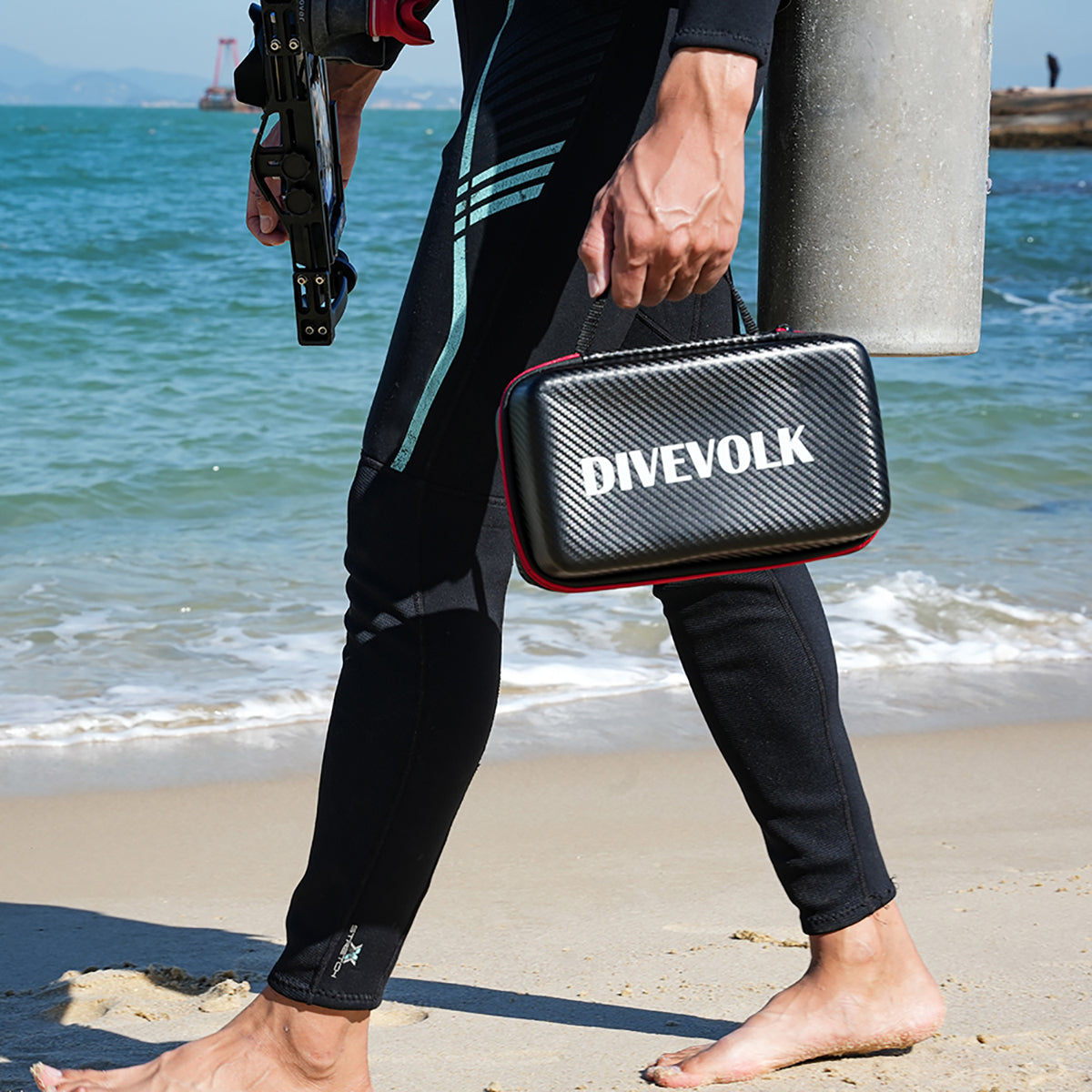

The housing arrives on Thursday, the boat leaves on Saturday, and somewhere in between you have to turn a phone you use for everything into an underwater camera you have never operated. Most first dives with a SeaTouch housing go fine. The ones that go badly almost never fail because of the water. They fail because of a setting nobody turned off, a phone that was never on the compatibility list, or a diver who spent the whole dive looking at a screen instead of a depth gauge.
This is the first week with a SeaTouch 6 Pro, in the order things actually happen.
Before you order: check the envelope, not the brand
The SeaTouch 6 Pro accepts phones up to 180.0 by 82.5 by 11.2 mm with a camera bump as tall as 17 mm, and its internal clearance is 18 mm, up from 15 mm on the previous generation. That envelope covers every iPhone from the 6 through the 17 Pro Max, the Samsung Galaxy S26 Ultra, and the thick-module Android imaging flagships including the vivo X300 Ultra and Xiaomi 17 Ultra, with mainstream Huawei, Google, OnePlus and OPPO models on the list as well.
Two things trip people up here. A case counts toward the thickness, so measure your phone naked, not in the rugged case you never take off. And a phone that fits dimensionally still needs its cameras to line up with the lens window, which is why the compatibility list is a list of tested models rather than a size calculator. If your phone is unusual in thickness or camera layout, ask technical support before you buy. Answering that question takes them a minute and saves you a return.
One more thing worth saying plainly: your phone's own water resistance is not part of this equation. Apple is explicit that the ratings on its splash, water and dust resistance page come from controlled lab tests, are not permanent, and do not cover deliberate submersion under pressure. Other makers say the same in different words. The housing is what takes you to depth; the phone rating is a safety net for a dropped glass of water.
The one phone setting you must switch off
Several phone makers ship a native "underwater mode" for bare-phone use in shallow water. The common implementation locks the touchscreen so water cannot trigger it and maps the shutter to the volume keys instead. OnePlus and Huawei both work this way.
Inside a SeaTouch housing, that mode takes the whole housing out of action. The SeaTouch 6 Pro is a button-free design, and once the phone is sealed in, the volume keys, the power button and the side button cannot be pressed by anyone, at any depth. The touchscreen is the only input the housing has, so a mode that disables the touchscreen leaves you holding a sealed box you cannot operate. Turn it off before the phone goes in and confirm it is off during the dry run.
The one verified exception is Samsung's Ocean Mode, which lives inside the Expert RAW app and is driven entirely by taps on the screen, so it works normally through the membrane. If you want a physical click, especially with thick gloves, the correct answer is the DIVEVOLK Bluetooth external shutter, which the SeaTouch 6 Pro can mount on the left or right side so it sits under your thumb in either grip.
While you are in Settings, three more are worth changing. Set auto-lock to the longest interval or Never, because you cannot reach a fingerprint sensor or type a long passcode comfortably through the membrane. Turn off raise-to-wake if it keeps firing in the gear bag. And clear enough storage for a dive's worth of 4K video, which is more than most people expect. If your phone can preserve camera settings between launches, switch that on so the camera reopens in the mode you left it in rather than resetting mid-dive.
Leave the screen protector on
Owners of older SeaTouch housings learned to peel the protector off before every trip. With the sixth-generation membrane that is no longer the advice. The revised film has enough sensitivity margin to work through a protector, with less sticking and better response than the previous generation, so a newer phone can go in with its protector in place. If you already peeled one off out of habit, no harm done, but you do not need to buy a replacement before the next trip.
Dry run on the sofa, not on the boat
Seal the phone in at home and spend ten minutes doing exactly what you will do underwater, with dry hands and good light. Open the camera. Tap to focus on something close. Pinch to zoom. Switch between the main and ultra-wide lens. Start and stop a video. Swipe up to go home and open a second app, then come back. On the sixth-generation touch window that swipe-up gesture works natively on large phones, which the previous generation could not always manage.
You are looking for two things: any tap that lands off target, and any control that sits so close to the screen edge that you cannot reach it. If something is awkward on the sofa it will be impossible at 18 meters with cold fingers. Move the app, change the camera mode, or plan around it now. Our pre-dive setup checklist covers the full sequence if you want to work through it step by step.
Seal check, then a pool, then the ocean
Close the housing exactly as the manual describes and inspect the seal line for hair, sand and stray fibers, which cause far more floods than worn gaskets do. Drop a fresh desiccant pad into the built-in slot; the SeaTouch 6 Pro ships with them and they are what keeps the lens glass from fogging when a warm housing meets cold water.

Then run the housing empty. Close it with no phone inside, sink it in a sink, a bathtub or the shallow end, hold it under for a few minutes, bring it up and dry the outside before opening. Water inside an empty housing costs you nothing. Water inside a housing with your phone in it costs you a phone. Do this once when the housing is new and again after any trip where it took a knock. The six essential housing checks are worth pinning somewhere you will actually see them.
Your first real session should be shallow, calm and boring: a pool, a protected bay, or the safety stop at the end of a dive you were doing anyway. The goal is not a photograph. It is finding out how the housing feels in your hands, how it floats, and where you want to clip it.
The red filter, and when to take it off
Water swallows red light in the first few meters, which is why unfiltered shallow shots come out blue and flat. The SeaTouch 6 Pro includes a snorkeling red filter tuned for 0 to 10 meters that clips straight onto the lens window with no bracket. Between the surface and about 10 meters it brings coral, fish and skin tones back.

Below that range it works against you, because there is no longer enough red in the water for a filter to recover and the image just goes dark and muddy. Deeper than roughly 10 meters, take the filter off and add light instead. Our filter guide explains where each option belongs, and the dive light range covers the depths a filter cannot.
The mistakes beginners actually make
Buoyancy goes first. The moment a camera appears, most new shooters stop breathing evenly and start sculling with one hand, and they end up finning up and down over the same coral head. Get neutral, then raise the phone.
Nothing gets touched. Not coral, not a turtle, not the sand you were about to plant a hand in to steady yourself. If you cannot hold the frame without contact, you are too close or not neutral enough. DAN's guidance for underwater photographers is direct about how much a camera adds to your task load, and basic safe diving practice does not get suspended because you found a good subject.
Get closer than feels right. Water between the lens and the subject is what makes phone shots look washed out, and there is more of it than you think. Shoot slightly upward rather than down, so subjects sit against open water instead of disappearing into the reef.
Stop chasing. Fish that swim away from a pursuing diver come back to a still one. The best beginner technique is holding position and waiting.
And check the screen less. Two or three frames, one glance to confirm focus, then back to the dive. Reviewing every shot at depth is how people lose track of their gauges and their buddy.
After the dive
Rinse the closed housing in fresh water before the salt dries, work the moving parts under water, then let it dry fully before you open it. Open it with dry hands over a towel, not over the deck. Take the phone out, swap the desiccant pad if it has been a humid day, and leave the housing open overnight so nothing sits sealed and damp.

At the surface, cellular and GPS signals pass through the housing body, so you can check position or make a call without opening anything, which is exactly what happened in John's rescue call off Saba. Sharing a clip from the boat works the same way.
Week two
Once the housing feels routine, the useful next step is one skill at a time. Learn to lock focus and exposure before you press the shutter. Try a whole dive at one distance so you stop guessing. Then add a wet lens, because the wide-angle and macro options change what the phone can do far more than any camera setting will.
If you are still choosing between kits or accessories, the beginner's guide to DIVEVOLK kits lays out what belongs in a first setup and what can wait until you know how you shoot.