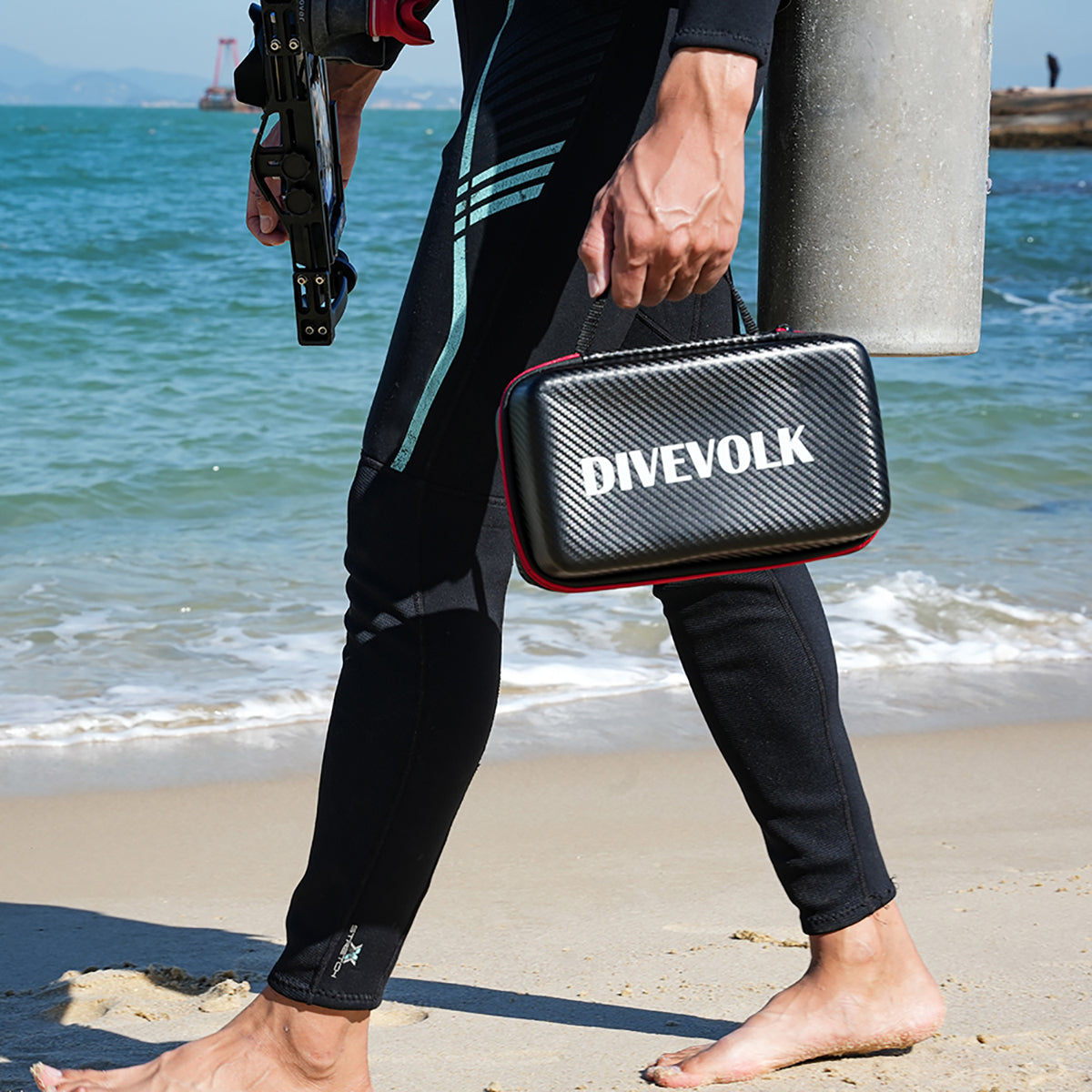

Over more than 15 years of diving and filming in oceans, lakes, and rivers around the world, I have captured thousands of underwater images and video sequences — from large pelagics to the tiniest macro critters that often go unseen. I have shot on dedicated cinema cameras in massive housings, mirrorless systems, compact cameras, action cams, and, increasingly over the past few years, on smartphones housed in the DIVEVOLK SeaTouch series. My philosophy has always been simple: the best camera is the one you have with you. And with the evolution of smartphone imaging and DIVEVOLK's rugged underwater housings, that camera has become remarkably powerful.


But having the hardware to take your phone underwater is only part of the story. To truly unlock the potential of smartphone imaging beneath the surface, you need software that understands — and compensates for — the unique challenges of the underwater environment. That is where UWACAM comes in.
Many DIVEVOLK iPhone users have already been using UWACAM for years. It has become the go-to camera app for SeaTouch owners who want more than what the native camera offers. But for the growing community of DIVEVOLK Android users, the wait has been long. They have watched iOS users enjoy UWACOLOR processing, manual controls, and AI-powered fish identification while being stuck with generic camera apps that were never designed for the underwater world.
That wait is now over. As of January 17, 2026, UWACAM is officially available on Android — and this changes everything for DIVEVOLK's Android community.
Why UWACAM Matters for DIVEVOLK Users
Here is what makes this pairing unique: the DIVEVOLK SeaTouch 4 Max is the only underwater smartphone housing that preserves full touchscreen functionality. Every other housing on the market relies on mechanical buttons or limited physical controls. The SeaTouch's capacitive touchscreen membrane means that apps like UWACAM can use their full interface — every slider, every gesture, every quick-access button — exactly as designed.
UWACAM was built from the ground up to take advantage of this. Its large, thumb-friendly controls, its swipe gestures for exposure adjustment, its quick-tap mode switching — all of it was designed for fingers working through the SeaTouch membrane underwater. This is not a generic camera app that happens to work in a housing. It is a purpose-built underwater imaging tool designed for the only housing that can run it properly.

UWACOLOR: Solving the Underwater Color Problem
The biggest challenge in underwater photography is color loss. Water absorbs red wavelengths first, then orange and yellow. By the time you reach 10 meters, everything looks blue-green and flat. Standard camera apps — including professional ones like Blackmagic Camera — treat white balance generically. They work well in air but fail to correct underwater color shifts dynamically.
UWACAM's UWACOLOR processing is a dynamically adaptive color and contrast enhancement system that intelligently corrects underwater color casts. It can work in real time during capture or in post-processing directly inside the app.

Unlike a white balance slider alone, UWACOLOR analyzes the full image and boosts color fidelity and contrast in a way that is optimized specifically for underwater conditions. The result: photos and videos that look vibrant and true-to-life straight from the camera — ideal for sharing on social media, uploading to your dive log, or printing for your wall.
Want a detailed breakdown of every UWACAM feature? Read our complete guide to the UWACAM app.
AUTO and PRO: Two Modes for Every Diver
UWACAM bridges the gap between beginners and professionals with two distinct shooting modes.
AUTO Mode
AUTO Mode offers large, intuitive controls and smart default settings that deliver excellent results with minimal effort. It is designed for snorkelers, recreational divers, and anyone who wants to capture the moment without thinking about ISO values.

PRO Mode
PRO Mode unlocks the full manual control suite: exposure, shutter speed, ISO, white balance with Grey Card calibration, focus peaking, zebra highlights, and a live RGB histogram. These are the same controls you would find on dedicated underwater camera systems costing thousands more.


I have personally seen DIVEVOLK users transition from being intimidated by underwater cameras to confidently navigating manual settings and producing stunning footage. UWACAM's dual-mode approach — approachable for beginners, powerful for professionals — has played a central role in that journey.
Cinematic Video: Log, LUTs, and Professional Workflows
UWACAM approaches video capture with the same seriousness as still photography:
- Full resolution and frame rate support, including high frame rate capture and HDR/Rec.2020 on compatible devices
- LOG recording for advanced color grading in post-production, giving creators cinematic latitude
- Built-in LUTs and custom LUT import so you can preview and apply creative looks directly on your phone
- SMPTE timecode support for professional multi-camera workflows
- Real-time UWACOLOR for video — the same adaptive color correction that works for photos also works during video recording

Whether you are shooting slow-motion reef life or fast-moving marine animals, UWACAM keeps your options open — from quick social sharing clips to footage intended for commercial or broadcast use.
AI-Powered Fish Identification with Vizalyzer
One feature that sets UWACAM apart from every other camera app — including high-end alternatives like Blackmagic Camera or Filmic Pro — is the AI-supported marine life identification, powered by Vizalyzer AI.

After a dive, you can analyze your captures with the AI tool to get species names, behavioral information, and habitat context tied to the marine life in your footage. For dive guides, marine biologists, educators, and conservation-minded divers, this transforms UWACAM from a camera app into a documentation tool.
Why UWACAM Beats General-Purpose Camera Apps Underwater
I am often asked how UWACAM compares to other professional camera apps. Here is the honest assessment from someone who has used them all:

Blackmagic Camera App offers robust manual controls and professional video options, but its interface was designed for land use. The small sliders and control gestures are difficult to operate inside a housing underwater, especially with dive gloves. It also only records video — no photo capability at all.
Filmic Pro is beloved by videographers for its cinematic controls, but like Blackmagic, it is general-purpose. It requires external color grading workflows to compensate for underwater color loss and lacks any built-in correction pipeline.
UWACAM was designed for one thing: underwater imaging through a touchscreen housing. Its buttons are large and thumb-friendly. It has built-in UWACOLOR processing. It integrates AI fish identification. No other camera app offers this combination.
Now on Android: A New Era for DIVEVOLK Users
Until January 2026, UWACAM was iOS-only. Many DIVEVOLK Android users have been asking for it, watching iPhone users enjoy features that simply were not available on their platform. That has now changed.

As of January 17, 2026, UWACAM is available on Android devices. This is a major milestone that brings professional-grade underwater imaging features to the entire DIVEVOLK community, regardless of which phone you carry.
To celebrate the launch, Android users can get a 30% introductory discount on the first 100 yearly subscriptions. Use the code DROID30 directly inside the app when subscribing to a yearly plan. This is a limited offer — once the first 100 subscriptions are claimed, the discount expires.
Your Dive Stories, Better Told

Underwater imaging blends technical skill, artistic vision, and reliable equipment. As someone who teaches, mentors, and collaborates with divers of all levels, I can say with confidence that UWACAM has become an essential part of my DIVEVOLK toolkit. It solves real problems — color correction, manual control, species identification — and makes the process of underwater capture more intuitive and enjoyable.
Whether you are documenting a once-in-a-lifetime dive, producing content for a client, or sharing your love for the ocean with friends and family, UWACAM helps you tell that story in the highest possible quality.
If you are new to UWACAM or want to explore every feature in detail, read our complete guide to the UWACAM app. And if you have not yet paired it with a SeaTouch 4 Max kit, now is the time — with UWACAM on both platforms, every DIVEVOLK user can access the same professional underwater imaging tools.
Download UWACAM on iOS or Android and start capturing your underwater adventures the way they deserve to be seen.
— Matthias Lebo, Zurich, Switzerland