
Most underwater video advice starts with bigger cameras, more lights, and more complicated rigs. But once a diver already has a capable iPhone in a waterproof housing, the smarter question is: What can the phone do before you buy anything else?
DoubleTake - Multicam video is one answer. The app is designed for multi-camera video capture on supported iPhone and iPad models, including the ability to view multiple camera angles and record from two cameras at the same time. For divers, that opens creative possibilities, but it also needs a reality check: underwater shooting rewards simple plans, not clever features used at the wrong moment.
What DoubleTake Does
According to its App Store listing, DoubleTake can turn a supported iPhone or iPad into a multi-camera video tool. Modes include camera visualization, shot/reverse shot, picture-in-picture, split-screen, and dual-camera capture on compatible devices.

On land, that can mean filming an interview with front and rear cameras or capturing wide and close views at once. Underwater, the practical uses are more specific: a diver can plan a wide reef view and a tighter subject view, record a buddy interaction with context, or create split-screen travel clips from a compact phone-based workflow.
Why It Can Be Interesting Underwater
Underwater scenes change quickly. A turtle glides past, a buddy signals, a ray lifts from the sand, or sunlight breaks across a wall. Multi-camera capture can help preserve context while still giving you a more focused frame. Instead of choosing between "the whole scene" and "the detail," you can sometimes record both.
This is especially useful for storytelling. A wide angle shows scale, depth, and environment. A tighter angle shows expression, behavior, or the detail that made the moment worth filming. If your final edit is for social, a split-screen or picture-in-picture clip can also explain the scene faster than a single angle.
The Underwater Reality Check
DoubleTake is not a dive app, a dive computer, or a substitute for safe diving. It is a video tool. Before using it underwater, confirm that your phone model supports the app's features, test the exact mode on land, check storage and battery, lock your exposure and focus workflow if needed, and practice inside the housing before the trip.
Task loading matters. If you are still working on buoyancy, trim, breathing, or buddy awareness, keep the app simple or skip it. A creative camera mode should never pull attention away from depth, gas, navigation, current, or marine life etiquette.
It is also smart to decide the shot before you enter the water. Pick one mode, one subject type, and one backup plan. If the app does not behave exactly as expected underwater, switch back to the phone camera or stop shooting. A missed clip is better than a distracted diver.
Pair It With the Right Housing Workflow
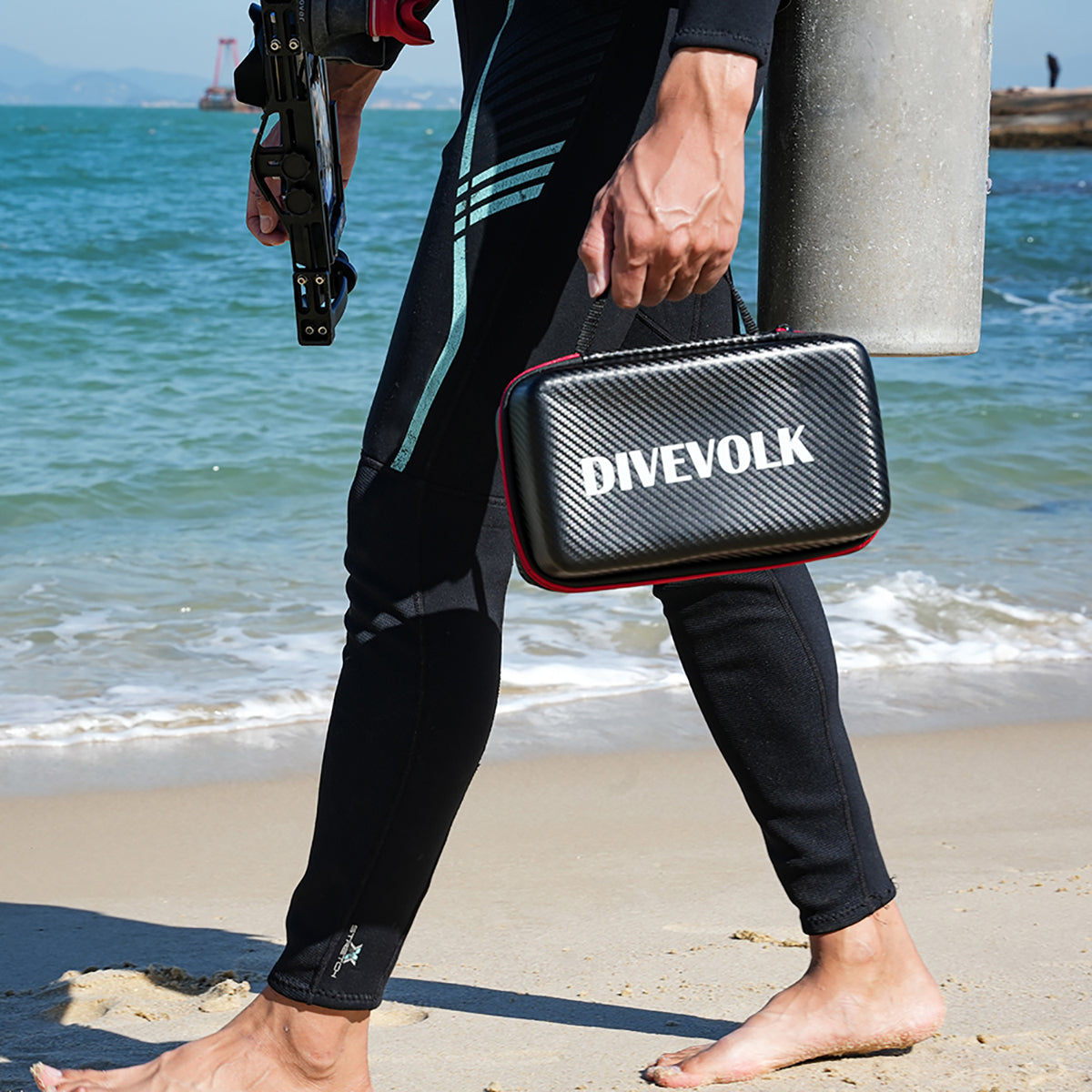
The advantage of a DIVEVOLK setup is full touchscreen access through a dedicated underwater smartphone housing, so you can use familiar phone controls instead of relying only on physical shutter buttons. Start with the underwater housing collection or the SeaTouch 4 Max kit, then review our underwater smartphone photography guide for preparation basics.
Because multi-camera video can make composition busier, keep the rest of the rig clean. Add lights only when the scene needs them and when you can use them without disturbing animals. The lighting collection can help in dim water, while the lens collection is better for divers who already know what focal look they want.
Three Underwater Shot Ideas
Buddy plus environment: Use one camera view for your buddy and another for the reef, wreck, or blue-water background. This works well for training recaps, first ocean dives, and travel memories.
Approach plus reveal: Start with a wide view of the dive site, then use the second view to show the subject that explains the scene: a cleaning station, a nudibranch, a school of fish, or the texture of a wall.
Surface interval story: DoubleTake is not only for underwater clips. Use it on the boat or shore to capture a diver's reaction and the surrounding location at the same time. Those clips can make a trip edit feel more human.
Settings to Test Before the Dive
Test resolution, frame rate, audio behavior, stabilization, camera selection, storage use, and file export. Apple's own guides to recording video on iPhone and using the iPhone camera are useful baselines before adding a third-party app. Make sure the housing seal check and vacuum or leak-check routine, if applicable, happen before you become absorbed in app settings. If anything feels fiddly, simplify the shot plan.
For color, remember that underwater video loses reds quickly with depth. Shallow natural-light clips can look great; deeper scenes may need lights or thoughtful editing. If you want a reliable first result, shoot shallow, stable, and close rather than deep, shaky, and far away.
After the dive, review whether the second angle actually helped the story. Multi-camera video is useful only when it adds context. If the extra view is confusing, too dark, or distracting, cut it. The strongest underwater edits often come from fewer shots used with more intention. Save the experiment notes too, because your next dive will be easier when you remember which mode, angle, and distance actually worked.

Who Should Try It
DoubleTake is best for divers who already have solid buoyancy and want to experiment with storytelling. It is less useful for divers who mainly need single, clean clips for identification or documentation. For citizen science and species ID, a simple, sharp, well-lit single view may be more useful than a creative split-screen.
The app is worth testing because it asks a good creative question: can one phone tell a richer underwater story? Sometimes yes. Just let the dive come first, the camera second, and the app third.