
Most housing floods trace back to something small that happened on land: a hair across the seal line, salt that dried in a groove after the last trip, a phone loaded on a wet deck. Maintenance is how you stop those from reaching the water, and it works best as a cadence rather than a once-a-year clean. Some jobs happen every time the housing closes, some between dives, some at the end of the day, and some only when the housing goes into storage or comes back out.
This guide sets out that cadence for the SeaTouch 6 Pro. Seal part names, approved cleaning materials, replacement intervals and warranty terms are model-specific; where this page and the current documents on DIVEVOLK technical support differ, the documents win.
What the SeaTouch 6 Pro Changes About Maintenance
Five design choices on the 6 Pro shape the routine.
- No buttons. The body is buttonless, so there are no button shafts to flush, exercise or inspect during a rinse. The phone's touchscreen, through the membrane, is the only control surface.
- No vacuum pump. DIVEVOLK designed the 6 Pro to seal without a pump. There is no valve, gauge or battery to look after, which also means the pre-dive check depends on your eyes and an occasional empty-housing water test.
- Three seal layers and a minimal seal cover. The design cuts down the openings a conventional housing has. It does not make inspection optional: every sealing surface still needs to be clean each time you close the housing.
- A built-in desiccant pad slot. Pads are included and swap without tools. They are a consumable, and managing them is now part of the routine.
- Mixed materials. An engineering-plastic body, aluminum alloy protective frames around the touchscreen edge and behind the lens glass, and 316 stainless steel hardware. All of it benefits from getting salt off before it dries.
The sixth-generation membrane, which replaced the film used on the SeaTouch 4 Max Plus, has a rated screen touch life of 150,000 times, up from 100,000 on the previous generation. That figure is a rating. It is not a replacement schedule, and it does not protect the membrane from a cut, a crushed bag or a day on a hot dashboard.
The Cadence at a Glance
| When | What to do |
|---|---|
| Every time the housing closes | Clean, dry work area. Inspect seal line, mating surface, membrane and glass. Fresh desiccant pad if conditions call for it. Touch check after closing. |
| Every surface interval | Rinse closed, keep in shade, open only for a reason. Any opening means a full closure check again. |
| End of every dive day | Freshwater rinse or soak while closed, dry the outside, open in a dry place, phone out, pad out, air dry in shade. |
| End of a trip and storage | Fully dry, protected from sun, heat and crushing, in the closure state the manual describes. |
| Before the next trip, and after any incident | Inspect, then run an empty-housing water check before the phone goes back in. |
Every Time the Housing Closes
This is the most important step of the whole routine, because it happens most often and it is where contamination gets in. Work on a dry towel, away from spray, sand, sunscreen and the rinse tank. Dry your hands first.
Look at the sealing surfaces and the surfaces they press against under good light, then run a clean fingertip around them. You are feeling for hair, lint, sand, salt crystals and sunscreen residue, and looking for cuts, flat spots or anything twisted out of place. Check the membrane for nicks or grit pressed into it, and check the lens glass and rear glass for chips. If something is there, lift it off with a clean, lint-free cloth, never a sharp tool. If something is damaged, the housing does not go in the water.
Decide on the desiccant pad. In humid air, or when the water is much colder than the deck, a fresh pad in the built-in slot is cheap insurance against fog on the lens glass. Seat the phone flat with nothing caught behind it and close the housing with normal force. If anything binds or sits unevenly, reopen and find out why.
Once it is closed, press through the membrane across the whole window, including the edges and the bottom swipe-up zone, and confirm the phone responds normally. Then take a test frame.

Between Dives
The surface interval is about protecting the assembly you just verified. Rinse the closed housing in fresh water, dry the outside, and park it in shade, away from cylinders, feet and dark fiberglass in full sun. Heat is the bigger risk to the phone at this point; Apple's temperature guidance explains how a phone limits features when it gets too warm, and a closed rig on a sunny deck heads in that direction.

Whether the phone stays in or comes out is its own decision, and we cover it in detail in keeping your phone in its SeaTouch 6 Pro between dives. From a maintenance point of view, one rule matters: if the housing opens, the next closure gets the full check above. The morning's inspection no longer applies.
End of the Dive Day
Salt is easiest to remove before it dries. As soon as practical after the last dive, rinse or soak the housing in clean fresh water while it is still closed, so nothing reaches the inside. DIVEVOLK's post-dive cleaning routine walks through the soak, cleaning, drying and storage steps for SeaTouch housings.
Then dry the outside completely, including the seal cover recess and the mount points, before you open it. Open over a towel in a dry place, take the phone out, and remove the used desiccant pad. Wipe sealing surfaces with a lint-free cloth and fresh water only. DIVEVOLK's seal care guide, written for the SeaTouch 4 Max family, rules out alcohol, solvents, detergents and grease on its silicone gaskets. Treat that as the conservative default on the 6 Pro until its manual says otherwise, and do not use a cleaner simply because it is safe on a mask or a camera lens.

Accessories need the same freshwater rinse: the snorkeling red filter, the dome lens and its AquaLock mount, any clamp or arm, and the Bluetooth external shutter. Sand collects in clips and mount slots, and a gritty clip can scratch the lens window the next time it goes on.
Let everything air dry in shade with some ventilation. No hair dryer, no direct sun, no heater and no compressed air, which can drive grit into a sealing surface. If you used the phone's charging port at any point with wet hands, follow the phone maker's advice before charging; Apple's liquid-detection guidance is clear that the connector and cable must be dry first and that heat, compressed air and rice should not be used to get there.
End of a Trip and Storage
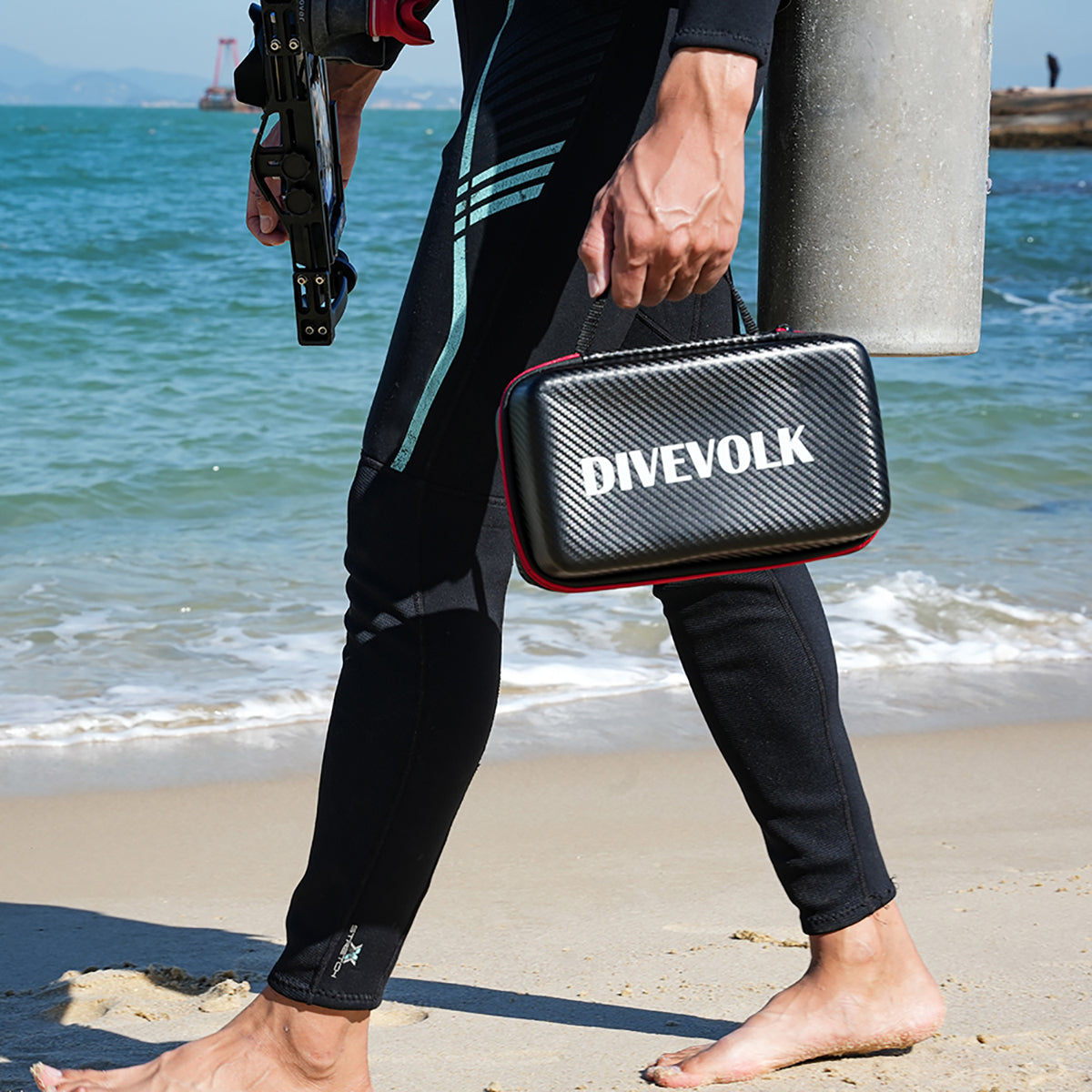
Store the housing only when every part is dry, inside and out. Take the phone out for storage. Keep the touchscreen membrane and lens glass protected from scratches and direct sunlight; DIVEVOLK lists a Protective Cover and a Travel Case in the 6 Pro accessory range, and both help here. Keep it away from heat, fuel, solvents and anything heavy in the bag.
Store it in the closure state the manual describes rather than clamping it shut out of habit. A seal held under compression for months behaves differently from one stored as the maker intends. The general gear advice from Divers Alert Network's gear-care guidelines follows the same pattern for almost every item: rinse, dry well, store in the shade and pack so nothing gets crushed.
For travel, pack the housing in a padded case, bring spare desiccant pads, and leave room for the accessories rather than forcing them into the same compartment. If you are building a light kit around the 6 Pro, our minimalist SeaTouch 6 Pro travel kit covers what is worth carrying.
Before the Next Trip, and After Any Incident
A housing that has sat in a cupboard for months, been dropped, survived a crushed bag or had a seal part replaced has not proven anything yet. Before the phone goes back in, inspect everything again and run an empty-housing water check: close it with no phone inside, hold it underwater in a sink or tub for a few minutes, dry the outside, then open it and look for any water. Water inside an empty housing costs nothing. Water inside a housing with a phone in it costs a phone.
Replacement parts and intervals are where generic advice goes wrong most often. We have not published a replacement schedule for 6 Pro seal parts, and a calendar rule borrowed from another housing does not apply. If a seal part looks worn, nicked, stretched or deformed, or if you are unsure how old it is, ask technical support which part fits your unit and how to install it, and use only parts supplied for this model.
When Maintenance Becomes a Stop
Some findings end the day rather than start a repair on a boat bench:
- water, droplets or salt residue inside the housing;
- a cut, twist or trapped particle on a sealing surface that will not clear;
- a crack or chip in the body, lens glass or rear glass;
- a closure that binds or will not sit as it did before;
- a touchscreen that responds erratically through the membrane;
- a hard drop that has not been inspected properly since.
Do not glue, force or improvise a replacement for any sealing part. Take photos, note what happened and when, and contact DIVEVOLK support with your proof of purchase so they can tell you what is covered and what to do next. If a warning sign appears underwater, the phone does not change the dive plan: finish on your training and your gas, and never rush an ascent to save electronics.
Fog on the lens glass is a separate question. It is usually moisture sealed in during loading rather than a seal failure, and our guide to preventing fog in an underwater phone housing explains how to tell the difference.
The Short Version
Every closure: clean area, inspect, fresh pad if needed, touch check. Every surface interval: rinse closed, shade, reopen only with a reason. Every evening: rinse closed, dry, open dry, phone and pad out, air dry. Every storage: fully dry, protected, closed the way the manual says. Every return from storage or incident: inspect and run an empty-housing check. The 6 Pro removes the pump and the buttons from that list. It does not remove the person doing the checking.
The housing is rarely the only thing in the bag that suffers from a rushed rinse. Our rundown of dive gear maintenance mistakes covers the same habits for regulators, BCDs, wetsuits and cameras.